
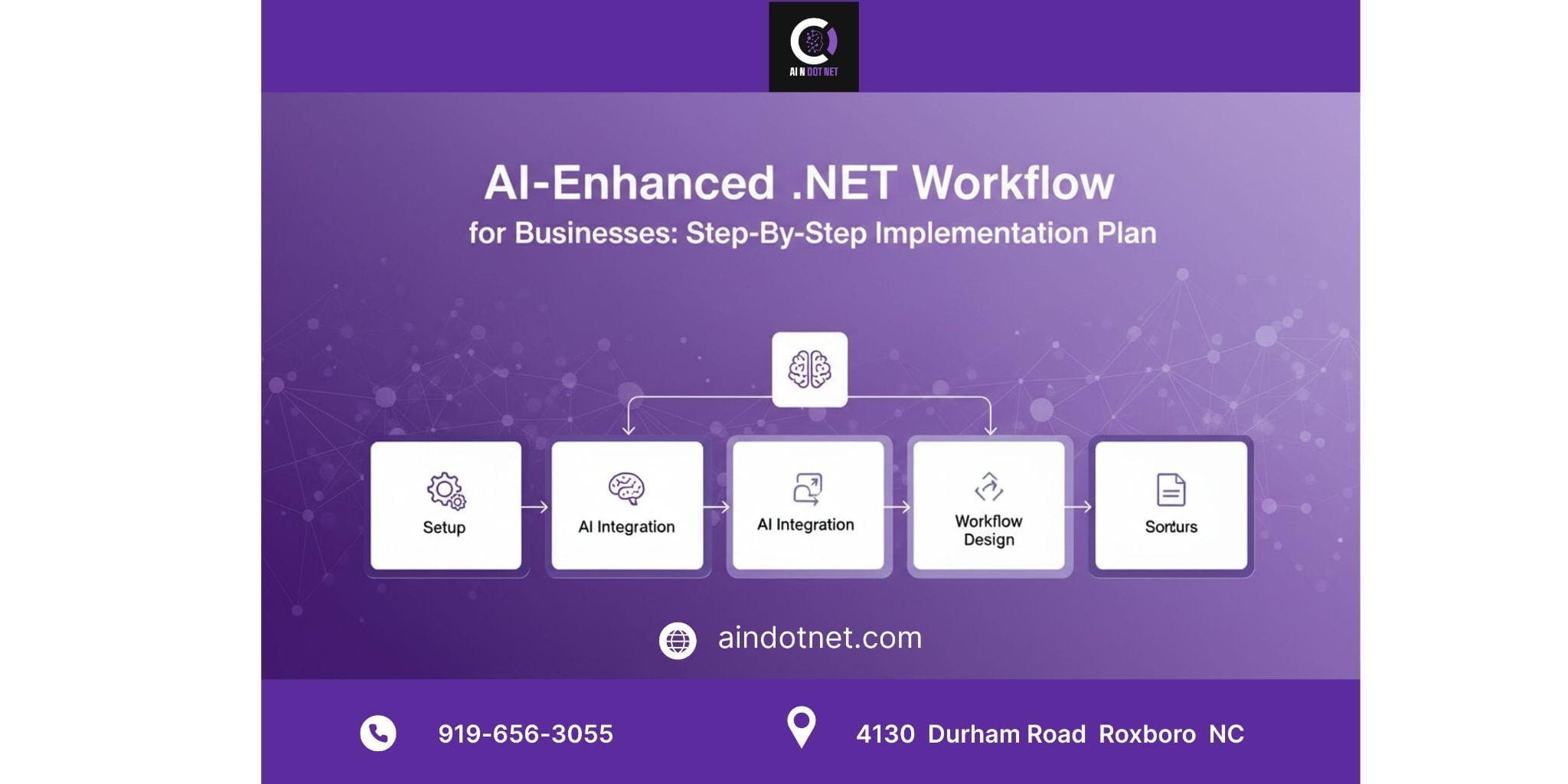
Adding artificial intelligence to your business does not mean you must throw away your current software or hire a large team of scientists. You can take the C# and .NET foundation you already use and extend it with smart tools to solve daily problems. You do not need magic to make this work. You just need a simple workflow. This guide explains a direct path to building an AI-enhanced business using the Microsoft tools your team already knows.
The Reality of AI in Business Today
Most companies feel behind because they are not building a huge chatbot like ChatGPT, but that is a mistake. Real value comes from small improvements. You might build a system that reads invoices automatically or a service bot that knows your stock levels. The gap between standard coding and AI coding is gone for Microsoft teams. If your staff can write C# code, they can build intelligent systems.
This plan focuses on practical use rather than robots. We are talking about connecting your data to models that make decisions. You then deliver those decisions through your current web or desktop apps.
Step 1: The Audit and Clean-Up Phase
You must look at your digital storage before you write code. AI needs data, and most business data is messy. You cannot build a smart house on a broken foundation.
Identify the Pain Points
Ignore the technology for a moment. Ask your department heads what tasks they hate doing every day. Maybe it is sorting emails or typing data from PDF forms manually. These repetitive tasks are perfect candidates for AI core applications. List them out, but do not try to fix everything at once, or you will fail. Pick one problem to solve first.
Data Preparation
Your data is likely in different places, like SQL databases or Excel sheets. Microsoft environments often keep data separated. You need to bring the relevant data together for your chosen problem and clean it up. If you want an AI to predict sales, you need accurate past sales records. You cannot use rows full of typos and missing dates. This is often the hardest part, but you must do it.
Step 2: Selecting the Right Toolset
People might tell you that you need to learn Python to do AI, but that advice is old. Switching languages slows down a .NET team. You should stay in your ecosystem.
Use ML.NET and Azure
Microsoft built tools specifically for us. ML.NET allows you to train models using the C# language. It runs locally, which means your data does not always have to leave your building. This is great for privacy. Azure AI Services offers pre-built models that can see, hear, and speak for bigger tasks.
The Capability-First Approach
We suggest a Capability-First Backend Framework. This means you build a strong backend that serves AI skills like text summary or fraud detection as simple API endpoints. This keeps your AI logic separate from your user screen and makes updates easier later.
Step 3: Upskilling Your Team
Your developers are smart, but they might worry about machine learning concepts. They do not need to go back to college. They just need a bridge.
From C# to AI Logic
The shift is mental. Traditional coding uses logic where if X happens, then do Y. AI coding uses probability where X is likely to be Y based on data. Your team needs resources that explain this change in their own language. Finding good AI C# programming with tutorials is essential here. You want guides that show how to call a model just like they would call a database. The fear goes away once they see that an AI prediction is just another object in code.
Role-Based Understanding
Your project managers also need to learn. They need to know that AI projects are experiments. Training a model might not work the first time, unlike building a login screen. They must add time in their schedules for this trial and error.
Step 4: Developing the Prototype
Now we build. We do not build the whole ship yet. We build a raft to see if it floats.
Start with a Prototype
Pick that one pain point from step one. Let us say it is predicting when a customer leaves. Use your cleaned data and ML.NET to train a basic model. It does not have to be perfect. You are winning if it is better than a random guess.
Integration Strategy
This is where how to implement AI with .net becomes a real task. You will create a .NET Core web API project and load your trained model inside it. The API receives a customer ID, feeds the data to the model, gets a prediction score, and sends it back. Your existing dashboard application can then call this API and show a warning if the score is high. This keeps the AI from breaking your main application if something goes wrong.
Step 5: Testing and Refinement
Testing AI is different from testing regular software because you cannot just check for bugs. You have to check for accuracy changes.
The Feedback Loop
You need to know if the prototype was right when it makes a prediction. Build a way for users to say if the result was helpful or wrong. If your email sorter puts an invoice in the spam folder, the user needs a button to correct it. That correction is valuable because it becomes new training data to make the model smarter next week.
Performance Monitoring
AI models can be heavy, so ensure your .NET application can handle the load. Your user interface should not freeze if running the model takes five seconds. Use asynchronous programming in C# to keep the app working while the AI thinks.
Step 6: Deployment and Scaling
You move to production once the prototype proves its value.
- Containerization
Docker is your friend here. Package your AI service in a container. This ensures it runs the same way on your server as it did on the developer’s laptop. It also makes it easy to add more power if suddenly everyone wants to use the new feature.
- Expanding the Scope
Success builds confidence. Look at your list again once the first module works. Maybe next is a chatbot for internal HR questions. You will create a library of reusable AI parts as you build more .Net AI applications. Your framework will grow and become a powerful engine for the entire business.
Common Implementation Challenges
Things can get bumpy even with a plan. Here is what usually goes wrong and how to fix it.
- We do not have enough data: Start with pre-trained models from Azure. You do not always need to train from scratch. Use a model that already knows how to read receipts and then fix it with your few examples.
- The predictions are weird: This is usually a data quality issue. Go back to step one. Garbage in means garbage out. Check if your training data has errors.
- It costs too much: Cloud costs can go up. Save money by running smaller models locally on your own servers using ML.NET instead of paying for every API call.
Quick Summary
- Audit First
Do not buy tools until you know what problem you are solving.
- Stay .NET
Use ML.NET and C# to keep your tech stack simple.
- Data is King
Clean and organized data is more important than the best algorithm.
- Start Small
Build a prototype for one specific task and prove it works before you expand.
- Feedback Loops
AI improves over time by learning from user corrections.
- Educate
Provide your team with specific AI C# programming with tutorials to bridge the skills gap.
Frequently Asked Questions
Do I need to hire a Data Scientist?
You usually do not. A skilled .NET developer can do most business work using tools like ML.NET. You only need a scientist for very complex research.
Is my data safe with AI?
Yes, if you use local models. You can run AI core applications entirely inside your own system, so customer data never leaves your office.
Can old systems use AI?
Yes, they can. You can wrap the AI logic in a modern API. Your old system can talk to the AI to get answers without needing a total rewrite.
Final Words
Implementing AI in a .NET environment is not a mystery. It is a logical engineering challenge. You have the data and the talent. You just need to direct those resources toward intelligent workflows.
We specialize in guiding businesses through this exact change at AI n Dot Net. We are here to help if you need advice to map out your strategy or specific how to implement AI with .net guides.
Contact us for our consulting services or grab a copy of our latest book to get access to code prototypes. These can start your project today. Let us help you turn your standard .NET applications into intelligent business assets.
