
Introduction
Building a custom classifier doesn’t require switching to Python or hiring a team of data scientists. With ML.NET, Microsoft’s machine learning framework for .NET developers, you can embed powerful predictive models directly into your C# applications—using the tools and skills you already know.
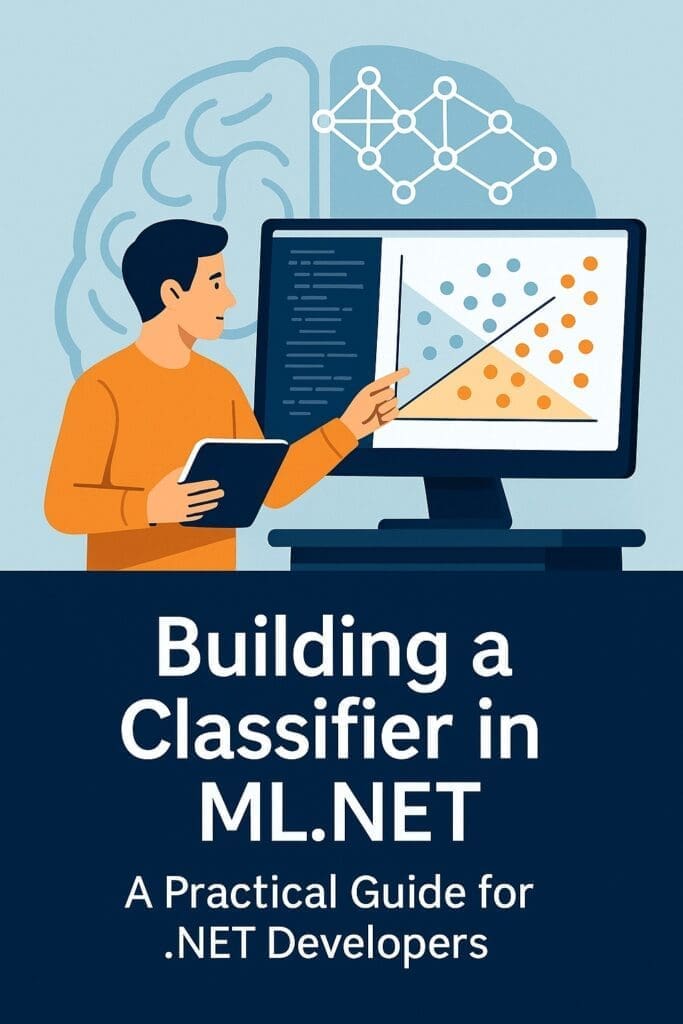
In this article, we’ll walk you through the end-to-end process of building a classifier in ML.NET—from loading your data to training, evaluating, and using your model in production.
What Is a Classifier?
A classifier is a type of machine learning model used to categorize data into labels or outcomes. Common examples:
- Spam vs. not spam
- Churn vs. retain
- High-risk vs. low-risk customers
In ML.NET, classifiers are typically binary (yes/no) or multiclass (multiple category options).
Use Case: Predicting Customer Churn
Use Case: Predicting Customer Churn
To keep things practical, we’ll build a binary classifier to predict whether a customer is likely to churn. You can easily adapt the same structure for sentiment analysis, fraud detection, or product recommendation tagging.
Step 1: Set Up Your Project
- Create a new .NET Console App:
dotnet new console -n MLNetClassifier- Add ML.NET NuGet packages:
dotnet add package Microsoft.MLStep 2: Define Your Data Schema
Create a class to represent your input data:
public class CustomerData
{
    public float Tenure;
    public float MonthlyCharges;
    public float TotalCharges;
    public string ContractType;
    public bool Churned;
}
Create a class for prediction:
public class ChurnPrediction
{
    [ColumnName("PredictedLabel")]
    public bool Churned;

    public float Probability;
    public float Score;
}
Step 3: Load and Transform the Data
var mlContext = new MLContext();

IDataView data = mlContext.Data.LoadFromTextFile<CustomerData>(
    path: "churn.csv",
    hasHeader: true,
    separatorChar: ',');

var split = mlContext.Data.TrainTestSplit(data);

var pipeline = mlContext.Transforms.Categorical.OneHotEncoding("ContractType")
    .Append(mlContext.Transforms.Concatenate("Features", new[] { "Tenure", "MonthlyCharges", "TotalCharges", "ContractType" }))
    .Append(mlContext.BinaryClassification.Trainers.SdcaLogisticRegression(labelColumnName: "Churned"));
Step 4: Train the Model
var model = pipeline.Fit(split.TrainSet);Step 5: Evaluate the Model
var predictions = model.Transform(split.TestSet);
var metrics = mlContext.BinaryClassification.Evaluate(predictions);

Console.WriteLine($"Accuracy: {metrics.Accuracy:P2}");
Console.WriteLine($"AUC: {metrics.AreaUnderRocCurve:P2}");
Console.WriteLine($"F1 Score: {metrics.F1Score:P2}");
Step 6: Make a Prediction
var predictionEngine = mlContext.Model.CreatePredictionEngine<CustomerData, ChurnPrediction>(model);

var sample = new CustomerData { Tenure = 12, MonthlyCharges = 55.2f, TotalCharges = 662.4f, ContractType = "Month-to-month" };
var result = predictionEngine.Predict(sample);

Console.WriteLine($"Churn Prediction: {(result.Churned ? "Yes" : "No")}, Probability: {result.Probability:P2}");
Step 7: Save and Reload the Model (Optional for Production)
mlContext.Model.Save(model, data.Schema, "churnModel.zip");

var loadedModel = mlContext.Model.Load("churnModel.zip", out _);
Why ML.NET Works for Medium and Large Sized Businesses
- ✅ No need for Python or cloud services
- ✅ Full control over model lifecycle inside your own codebase
- ✅ Easy to integrate with existing .NET applications and SQL Server
- ✅ Great for on-premise, regulated, or secure environments
Conclusion
You don’t need to reinvent your tech stack or hire a data science team to start using machine learning. With ML.NET, .NET developers can build powerful, practical classifiers that drive real business value.
Whether you’re predicting churn, classifying documents, or detecting fraud, the same process applies: clean data, thoughtful modeling, and measurable deployment.
🔧 Start small. Test fast. Scale what works.
Want more AI and .NET Information?
Check out our Hub for a list of all of our resources
